Best Laptop for University Students in 2026: Top 5 Picks
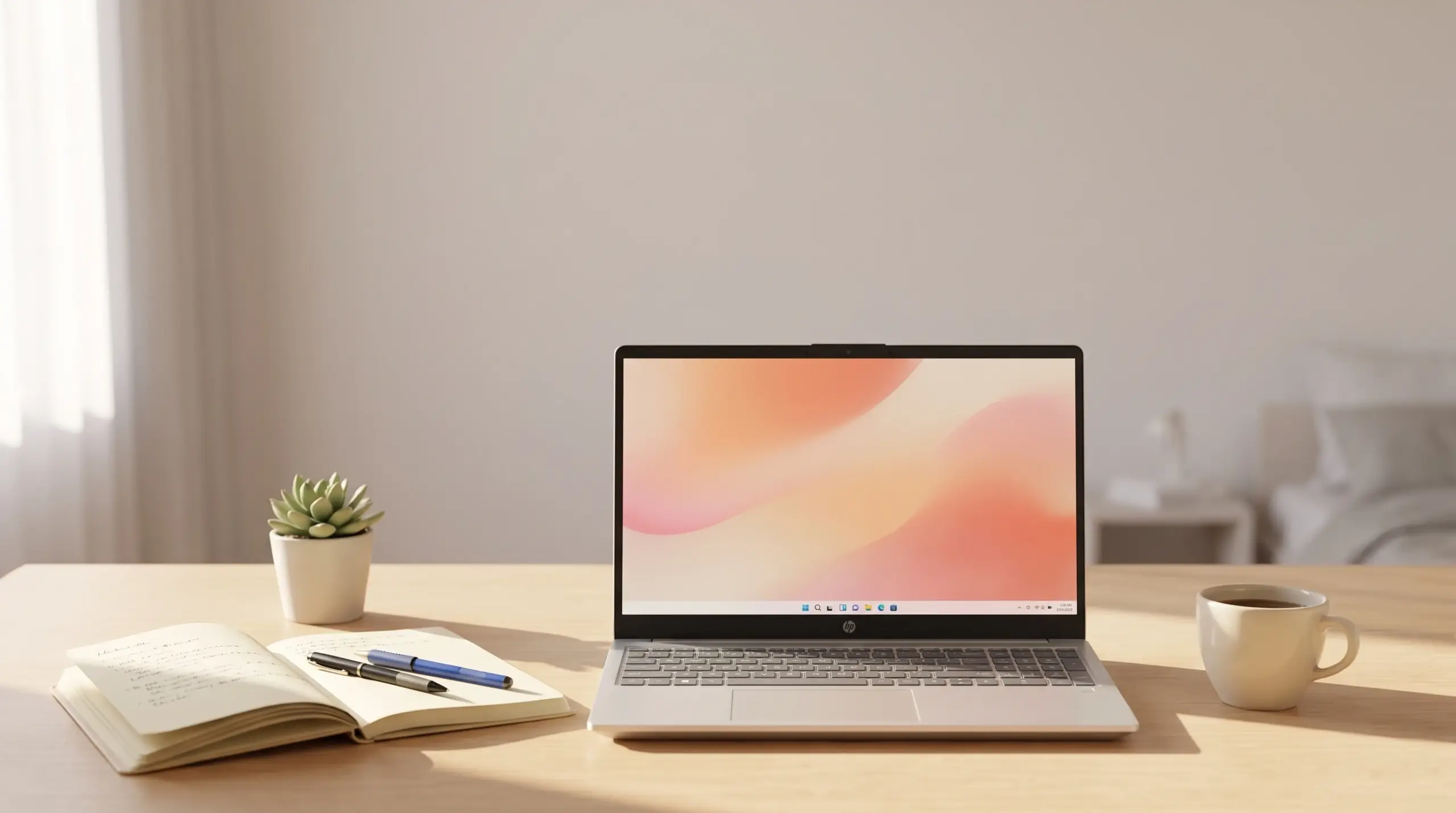
As an Amazon Associate, we earn from qualifying purchases.
Choosing a laptop before the semester starts is stressful when every listing claims to be “perfect for students.” You need something that survives four years of lectures, group projects, late-night essays, and the occasional coffee spill near the keyboard, without draining your savings on features you’ll never use. This guide compares five current laptops aimed at university life, looking at real specs like RAM, storage, display quality, and portability rather than marketing buzzwords. Whether you’re studying humanities and mostly need a reliable word processor, or you’re in a STEM program juggling spreadsheets and coding environments, there’s a sensible option below. We picked these five because they represent different budgets and priorities: one is built for basic note-taking and browsing, another packs more power for heavier multitasking, and a couple sit in between. Read through the breakdowns, check the comparison table, and match the specs to how you actually work.
| Photo | Product | Brand | Rating | Best For |
|---|---|---|---|---|
 |
HP 15.6" FHD Laptop 2026 Edition with Copilot AI | HP | 4.2 out of 5 | Best for Basic Note-Taking and Everyday Coursework |
 |
HP 2026 Pavilion Laptop Computer for Student | HP | 4.4 out of 5 | Best for Balanced Multitasking on a Mid-Range Budget |
 |
Dell Pro 15 Essential | Dell | 4.4 out of 5 | Best for Students Who Want a Business-Grade Build |
 |
Lenovo IdeaPad with 13th Gen Intel Core i5 | Lenovo | 4.6 out of 5 | Best for Demanding Coursework and Long-Term Use |
 |
HP Ultrabook 14 | HP | 4.3 out of 5 | Best for Light, Ultra-Portable Basics |
1. HP 15.6″ FHD Laptop 2026 Edition with Copilot AI – Best for Basic Note-Taking and Everyday Coursework
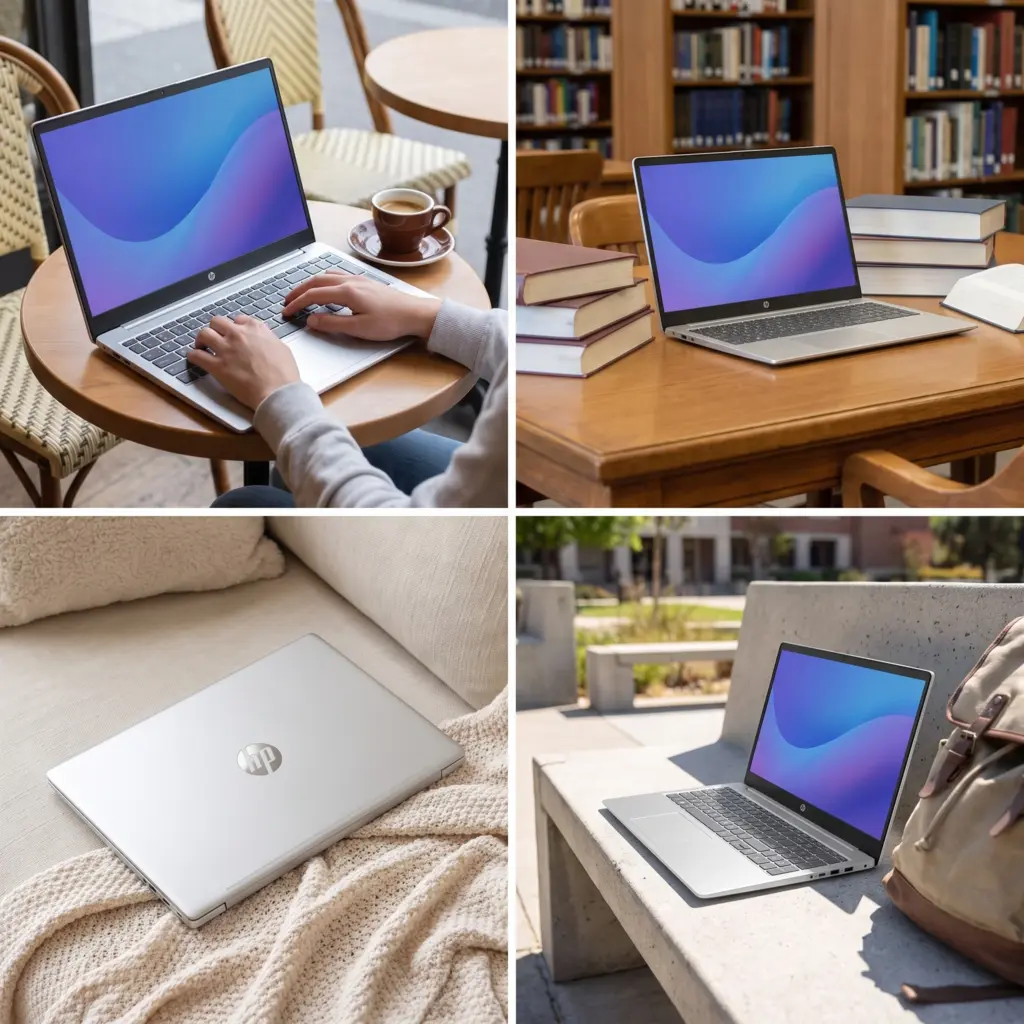
This HP model is aimed squarely at students who need a dependable machine for writing papers, checking email, and streaming lecture recordings. It runs on an Intel N100 processor paired with 8GB of RAM, which is enough for browsing with several tabs open plus a document editor running in the background, though it’s not built for demanding multitasking.
The 256GB SSD gives quick boot times and enough room for coursework files, though it fills up faster than larger drives if you also store media or large datasets. At 3.64 lbs, it’s genuinely easy to carry across campus, and the included 5-in-1 hub adds useful ports that this slim chassis otherwise lacks. WiFi 6 keeps video calls stable, and the numeric keypad is a nice touch for students in finance or accounting courses who type a lot of figures.
This suits students on a tight budget who mainly need a portable typing and browsing machine rather than a powerhouse for heavy software.
- Lightweight build makes it easy to carry all day
- Included port hub adds connectivity often missing on thin laptops
- Lifetime Office for web and Windows 11 Home ready out of the box
- WiFi 6 handles video classes reliably
- 8GB RAM and 256GB storage feel tight for media-heavy or multitasking-heavy coursework
Bottom line: A solid, affordable choice for straightforward note-taking, browsing, and essay writing.
2. HP 2026 Pavilion Laptop Computer for Student – Best for Balanced Multitasking on a Mid-Range Budget
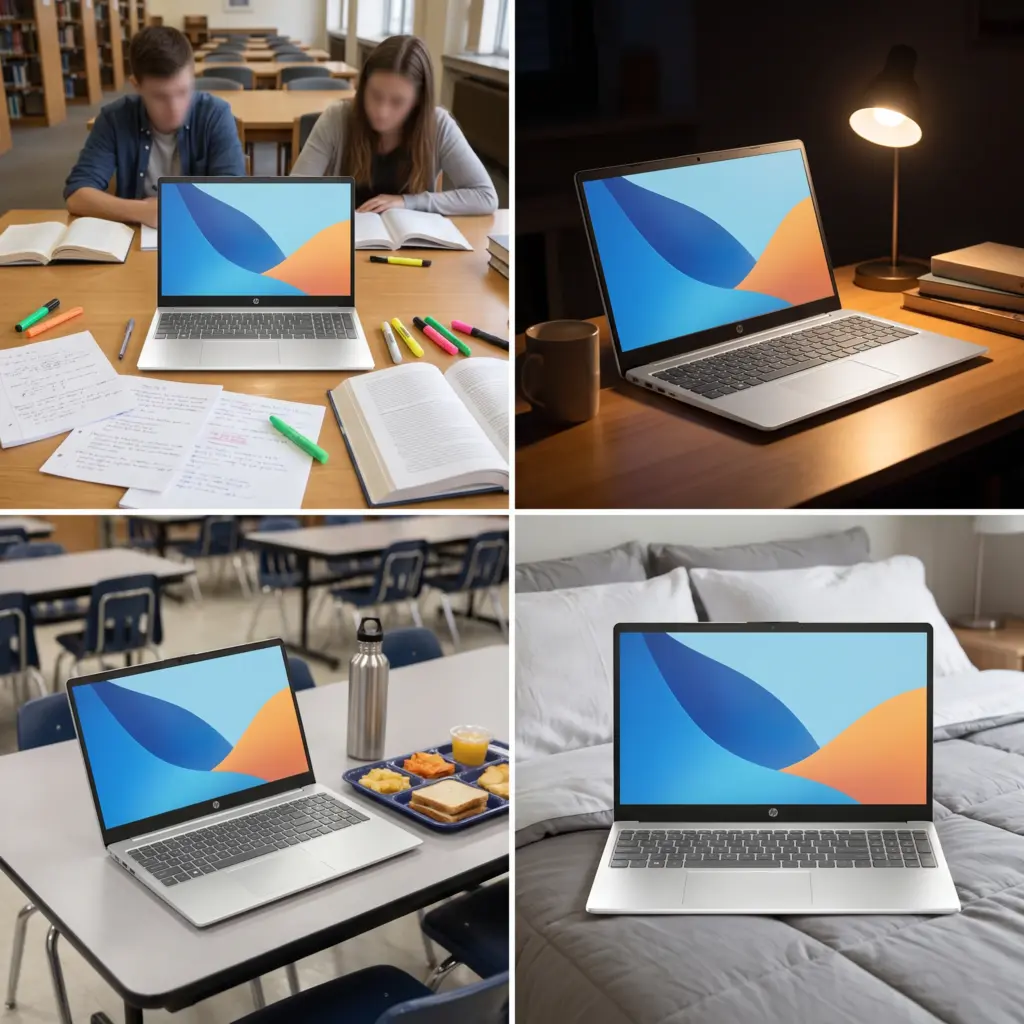
The Pavilion doubles down on the areas where the base HP model feels stretched thin. It keeps the same Intel N100 processor but bumps RAM to 16GB and storage to a 512GB NVMe SSD, which makes a noticeable difference when you’re switching between a browser full of research tabs, a word processor, and a PDF reader at the same time.
The 15.6″ anti-glare FHD screen is a genuine upgrade for long study sessions in bright dorm rooms or libraries under harsh lighting. Connectivity is well thought out too, with USB-C, two USB-A ports, HDMI, and a privacy shutter on the webcam for video calls. Wi-Fi 6 and Bluetooth 5.3 round out a package that feels more future-proof than entry-level alternatives.
This is a strong pick for students who want headroom for years two through four without paying for a dedicated graphics card they don’t need.
- 16GB RAM handles heavier multitasking than most laptops in this class
- 512GB SSD leaves plenty of room for software, files, and media
- Anti-glare display reduces eye strain during long sessions
- Good port selection including USB-C
- Still relies on an entry-level N100 chip, so it’s not suited to demanding creative or engineering software
Bottom line: The best balance of memory, storage, and screen quality for students who multitask but don’t need serious processing power.
3. Dell Pro 15 Essential – Best for Students Who Want a Business-Grade Build
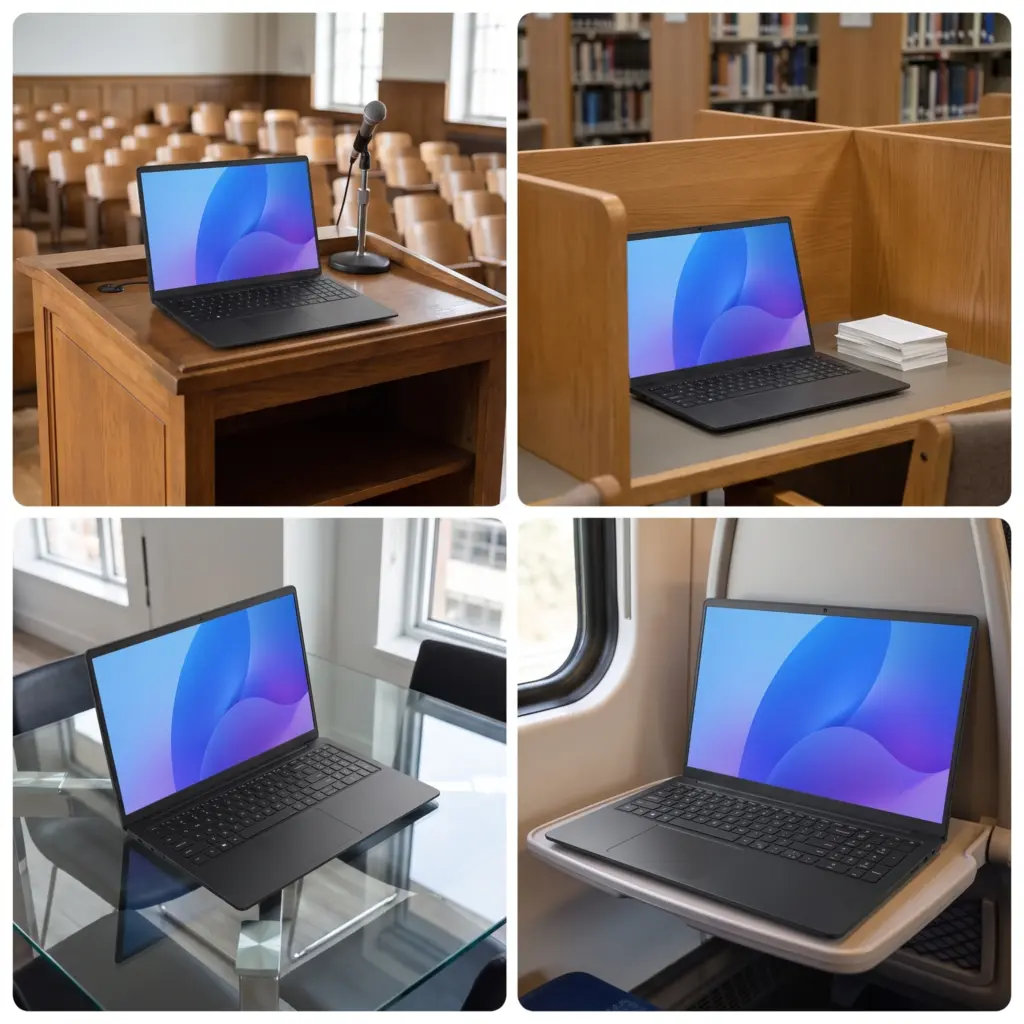
Dell’s Pro 15 Essential targets students who want something closer to a business laptop than a budget student model. The Intel Core 3 100U processor has six cores and clocks up to 4.7GHz, giving it noticeably more headroom for demanding browser tabs, coding environments, or running multiple apps than the N100-based machines in this list.
The 15.6″ display stands out with a 120Hz refresh rate and IPS technology, which makes scrolling through long documents or lecture slides feel smoother than the standard 60Hz panels on most competitors. Connectivity covers WiFi 6, Bluetooth, USB-C, HDMI, and even an SD card slot, which is handy for students working with cameras or transferring files from removable media. Windows 11 Pro adds security and management features that aren’t typical at this level, appealing to business or computer science students.
At 4.19 lbs it’s heavier than the HP and Lenovo options here, so it’s less ideal for students who walk long distances between classes with a packed bag.
- Six-core processor with strong clock speeds for its class
- 120Hz IPS display is smoother than typical student laptops
- Windows 11 Pro adds business-level features
- SD card slot and broad port selection
- Heavier than most laptops on this list, less ideal for daily carrying
Bottom line: A great pick for students who want a faster processor and a smoother screen, and don’t mind a bit of extra weight.
4. Lenovo IdeaPad with 13th Gen Intel Core i5 – Best for Demanding Coursework and Long-Term Use
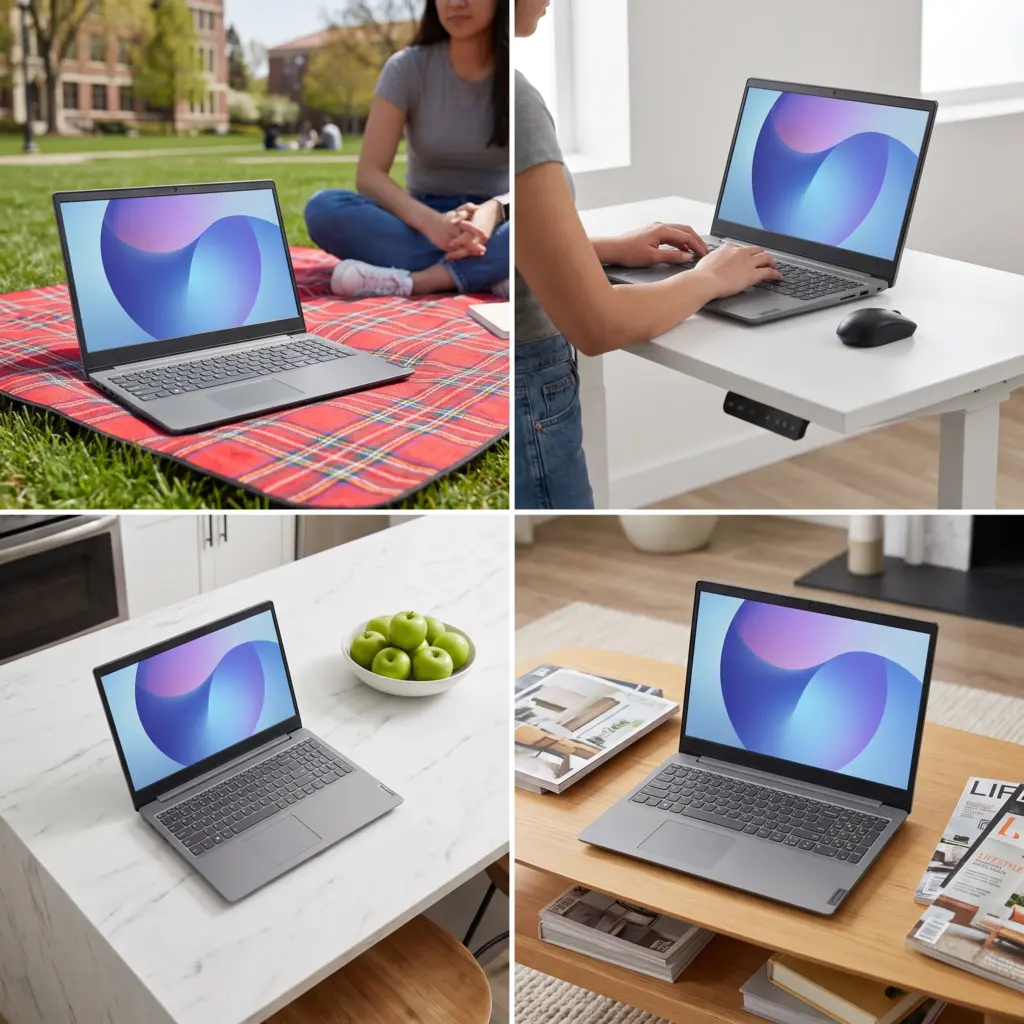
This Lenovo is the most powerful laptop in the lineup, built around a 13th Gen Intel Core i5-13420H with eight cores and speeds up to 4.6GHz, paired with 8GB of DDR5 memory and a 512GB PCIe SSD. That combination means it can comfortably handle coding projects, data analysis, or several demanding apps running side by side, tasks that would slow down the N100-based laptops here.
The 15.3″ WUXGA display runs at a higher resolution than standard 1080p screens, with 300 nits of brightness and anti-glare coating, which is genuinely useful for design, video, or long reading sessions. At 3.51 lbs and 0.67 inches thin, it manages to combine that extra power with a build that’s still easy to carry, and the included Microsoft 365 subscription adds value for writing-heavy coursework.
This is the pick for students in engineering, computer science, or any program where software demands go beyond web browsing and document editing.
- 8-core i5 processor outperforms every other laptop in this list
- Higher resolution WUXGA display with strong brightness
- Lightweight despite the added processing power
- Microsoft 365 included, plus a numeric keypad and privacy shutter
- 8GB of RAM is on the lower side for a chip this capable, power users may want to upgrade later
Bottom line: The strongest all-around performer here, ideal for demanding majors that need real processing power.
5. HP Ultrabook 14 – Best for Light, Ultra-Portable Basics
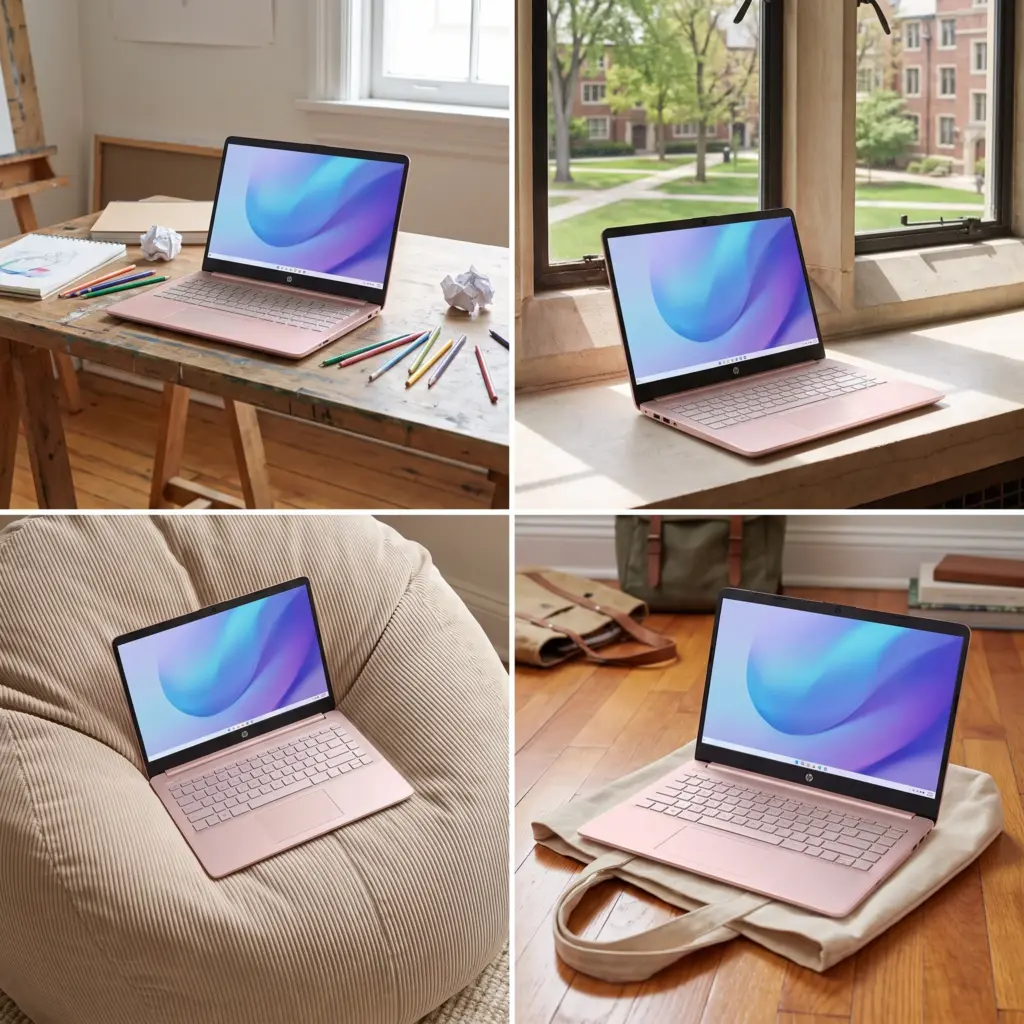
The HP Ultrabook 14 is built for students who want the smallest, lightest option and only need a laptop for the basics. Its quad-core Intel N150 processor and 128GB of storage are the most modest specs in this roundup, which keeps things simple but also limits what the machine can comfortably handle.
Where it does add value is the included one-year Microsoft 365 Personal subscription with Copilot AI features, useful for students who plan to lean on AI tools for note summarizing or draft editing. The 14-inch size and rose gold finish also make it one of the more compact, easy-to-carry options if backpack space is tight.
This laptop suits students whose workload is mostly browser-based: checking email, submitting assignments through a portal, and light word processing. Anyone planning to store large files, run multiple demanding apps, or keep years of coursework locally will outgrow the 128GB drive quickly.
- Compact 14-inch size is easy to slip into a smaller bag
- One-year Microsoft 365 subscription included
- Quad-core processor handles basic tasks smoothly
- 128GB storage is noticeably smaller than every other laptop on this list
Bottom line: A compact, no-frills option for students with light, browser-based workloads and limited storage needs.
How to Choose the Right Laptop for University Students
RAM and Processor
If your coursework is mostly writing, browsing, and video calls, 8GB of RAM with an entry-level processor like the Intel N100 or N150 will get you through. If you’re studying something with heavier software demands, coding, statistics, or design work, look toward 16GB of RAM or a more capable processor like the Core i5 or Core 3 options here.
Storage Space
256GB is workable if you store most files in the cloud, but 512GB gives real breathing room for software installs, downloaded lecture materials, and media over a multi-year degree. Avoid going below that unless you’re certain your storage needs will stay minimal.
Weight and Portability
If you’re walking between buildings or carrying your laptop in a backpack all day, weight matters more than it seems. Anything under 4 lbs is comfortable for daily carrying; heavier business-style laptops trade some portability for a sturdier build and stronger specs.
Display Quality
Anti-glare coatings and higher refresh rates make a real difference during long study sessions, especially in bright rooms or libraries. Higher resolution screens, like WUXGA over standard FHD, also help if you’ll be reading dense text or working with visual detail for hours at a time.
Frequently Asked Questions
How much RAM do I actually need for university coursework?
For basic tasks like writing papers, browsing, and streaming lectures, 8GB is usually enough. If you plan to run multiple heavy applications at once, work with large spreadsheets, or use software for coding, design, or data analysis, 16GB gives you much more comfortable headroom and helps the laptop stay usable for your entire degree rather than slowing down after a year or two.
Is 256GB of storage enough for a student laptop?
It can be, especially if you rely heavily on cloud storage and streaming services rather than keeping files locally. But if you download lecture videos, install multiple software programs, or work with large project files, 512GB gives noticeably more room and avoids the hassle of constantly managing space or buying external drives.
Do I need a dedicated graphics card for university?
Most university coursework, including writing, research, spreadsheets, and video calls, runs fine on integrated graphics. A dedicated graphics card only becomes necessary for specific programs like video editing, 3D modeling, or certain engineering and game design courses. None of the laptops in this guide include a dedicated GPU, and for most students, that’s the right trade-off for better portability and battery life.
How important is battery life for a student laptop?
Very important if you’re on campus most of the day without easy access to outlets. Lightweight laptops in this guide are generally built with battery efficiency in mind, since their processors are designed for lower power draw. If you have back-to-back classes, prioritize a laptop that’s specifically marketed with long battery life and consider carrying a charger as backup regardless.
Should I choose Windows 11 Home or Windows 11 Pro for university?
Windows 11 Home covers everything most students need: web browsing, document editing, streaming, and general use. Windows 11 Pro adds business-oriented features like enhanced security controls and device management, which can be useful for students in computer science, IT, or business programs, but isn’t essential for general coursework. Choose Pro if you specifically need those extra controls; otherwise Home is perfectly sufficient.
Final Verdict
For most university students, the Lenovo IdeaPad with the 13th Gen Intel Core i5 is the strongest overall pick. Its eight-core processor, sharp WUXGA display, and light build handle both everyday coursework and more demanding software without forcing a trade-off between power and portability. For students watching their budget more closely, the HP Pavilion with 16GB RAM and a 512GB SSD is the smarter budget pick, offering far more multitasking room and storage than typical entry-level laptops without stepping up to a pricier processor. Both cover the essentials well; the difference comes down to how demanding your coursework actually is.